Whether you’re dealing with your dad’s decade-old computer or your own custom-built gaming rig, troubleshooting PC problems is a part of everyday life. Before you make that $50 support call, though, try your hand at homebrew tech support. We spoke to some of the best support reps in the business about the most common problems they fix—and how you can do it yourself.
Try this first
I know it sounds like a no-brainer, but before you do anything else, restart your computer. Matthew Petrie of Falcon Northwest technical support says that most of his customers solve their problems with this simple step. “This long-standing maxim can work wonders,” says Petrie.
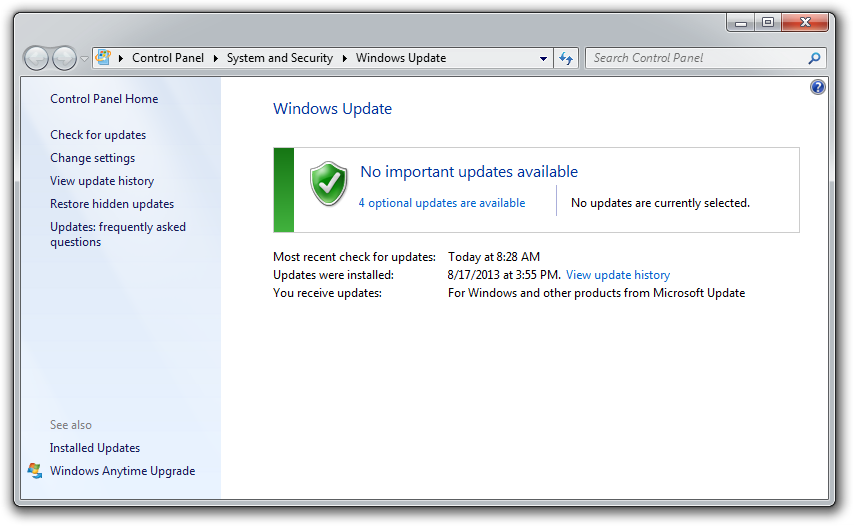
While you’re at it, make sure that your operating system is fully updated by running Windows Update. Neglecting updates could deprive you of important bug and performance fixes.
If you’re having problems with a peripheral, try switching it on and off. If that doesn’t work, try disconnecting and reconnecting the device. As a last resort, download the latest drivers and perform a full reinstall.

No comments:
Post a Comment